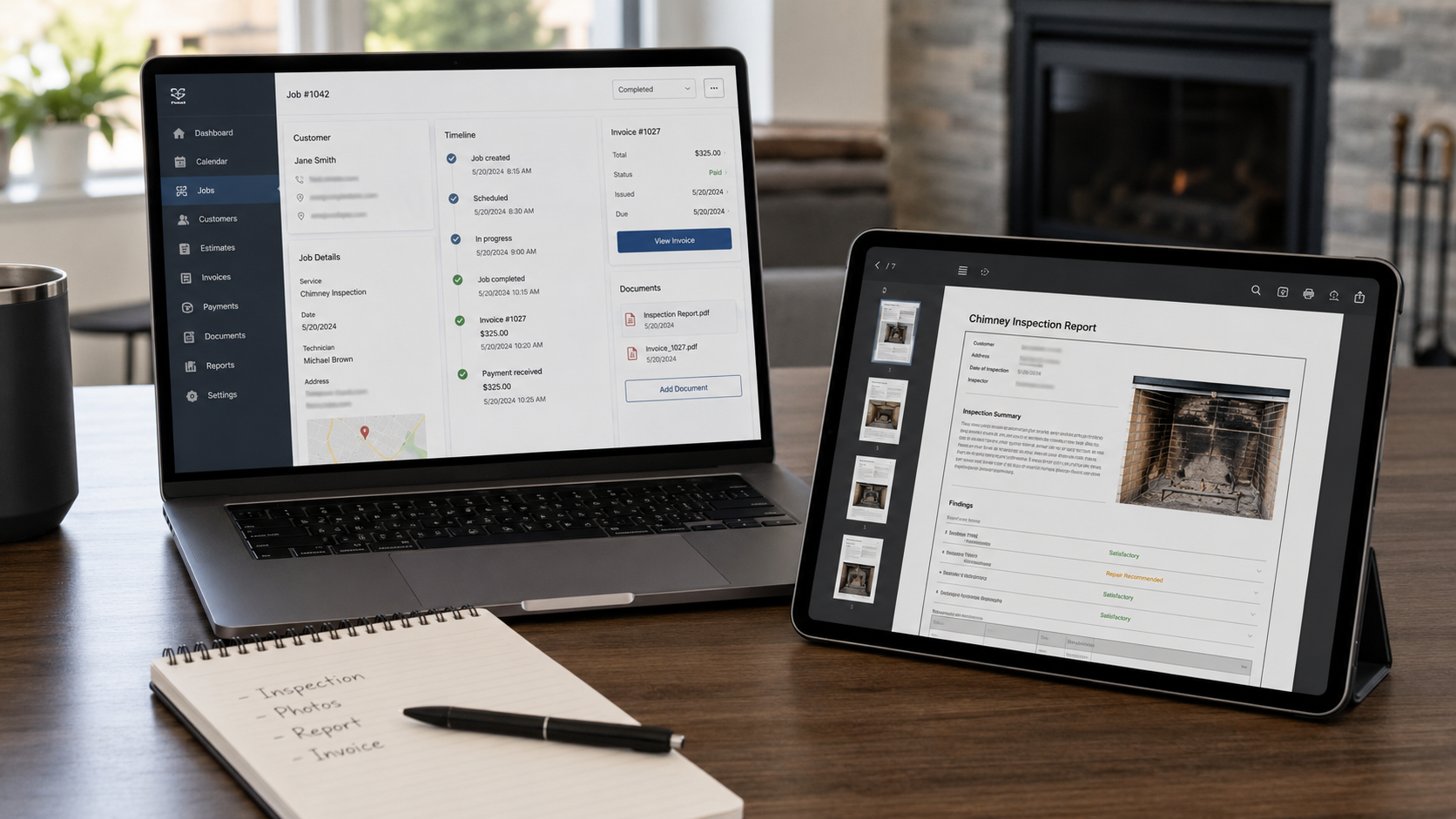
Many chimney companies already use a CRM or field-service platform.
They may use Housecall Pro, Jobber, ServiceTitan, QuickBooks, ServiceM8, FieldEdge, Smart Service, Successware, or another system to manage customers, scheduling, dispatching, estimates, invoices, payments, reminders, and office communication.
So the question is reasonable:
Does InspectionFire work with my CRM?
The answer is yes, but not because InspectionFire is trying to replace your CRM.
InspectionFire is designed to work alongside the systems your company already uses.
InspectionFire handles the specialized chimney, fireplace, venting, and appliance inspection documentation. Your CRM can continue handling the business workflow around the job.
That separation is intentional.
Inspection Software and CRM Software Do Different Jobs
A CRM or field-service platform usually manages the business side of the job.
That may include:
- customer records;
- scheduling;
- dispatching;
- estimates;
- invoices;
- payment collection;
- reminders;
- technician routing;
- office communication;
- job history;
- accounting sync;
- customer follow-up.
That is important work.
But it is not the same thing as a professional chimney or fireplace inspection report.
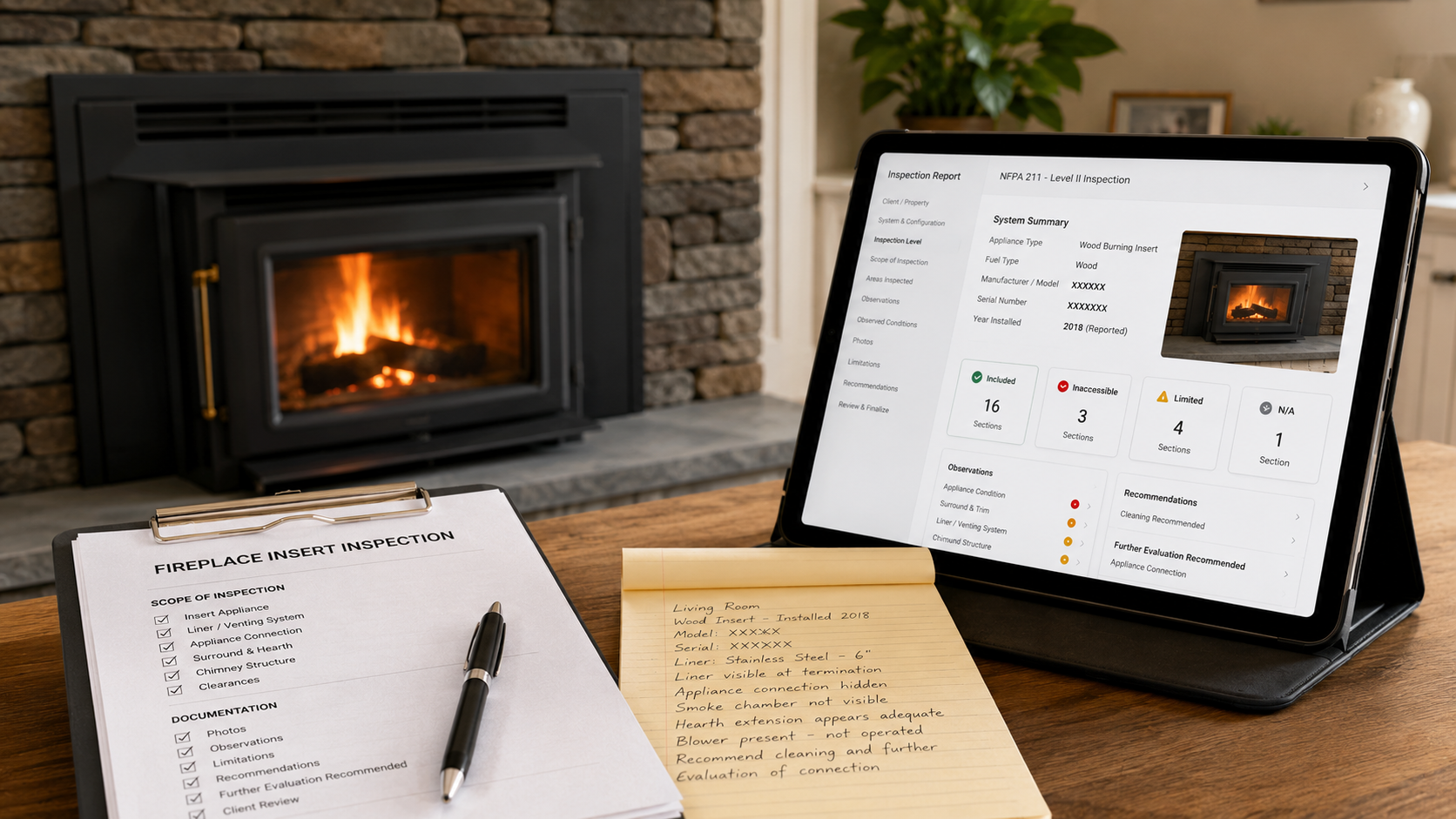
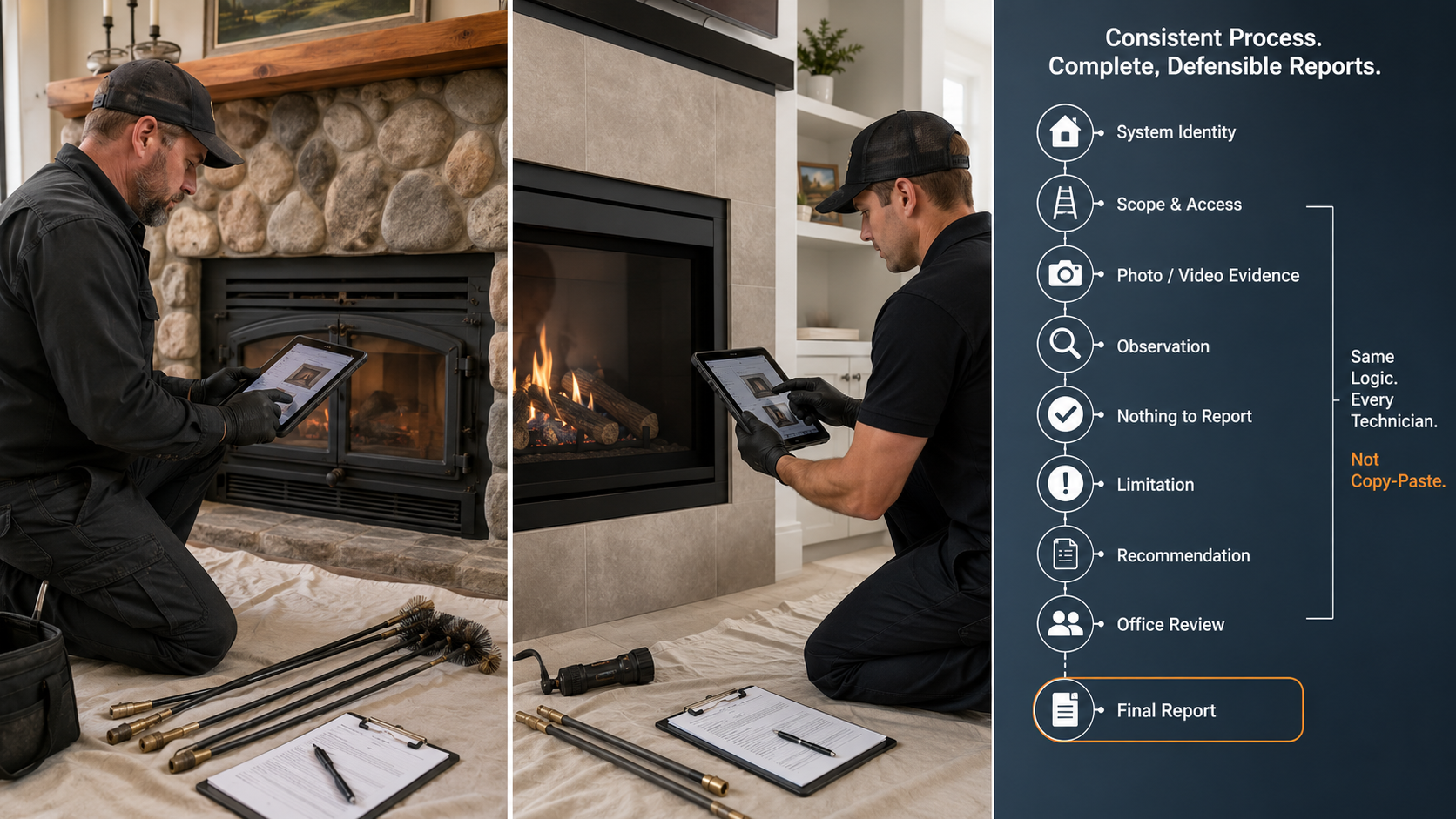
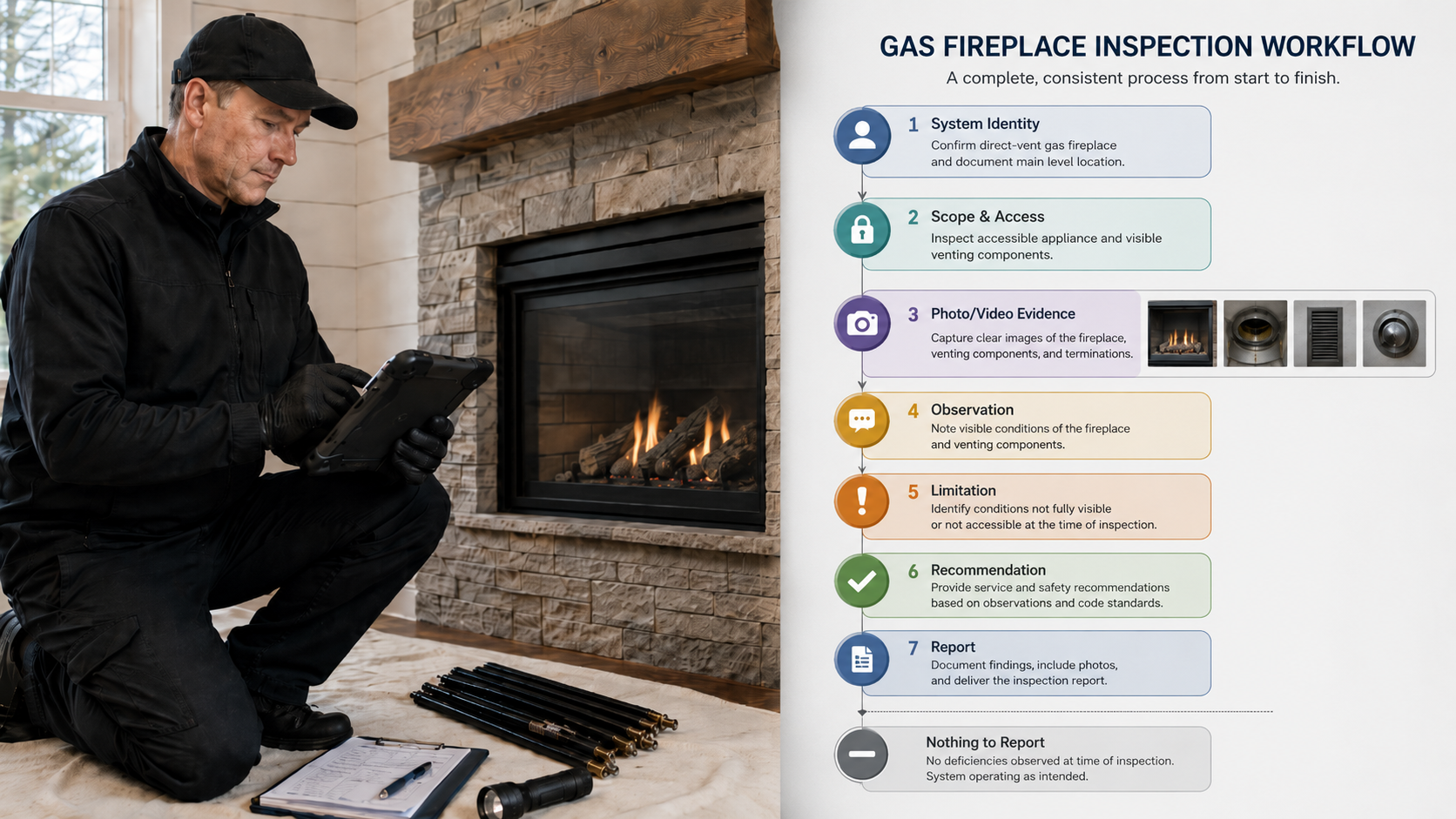
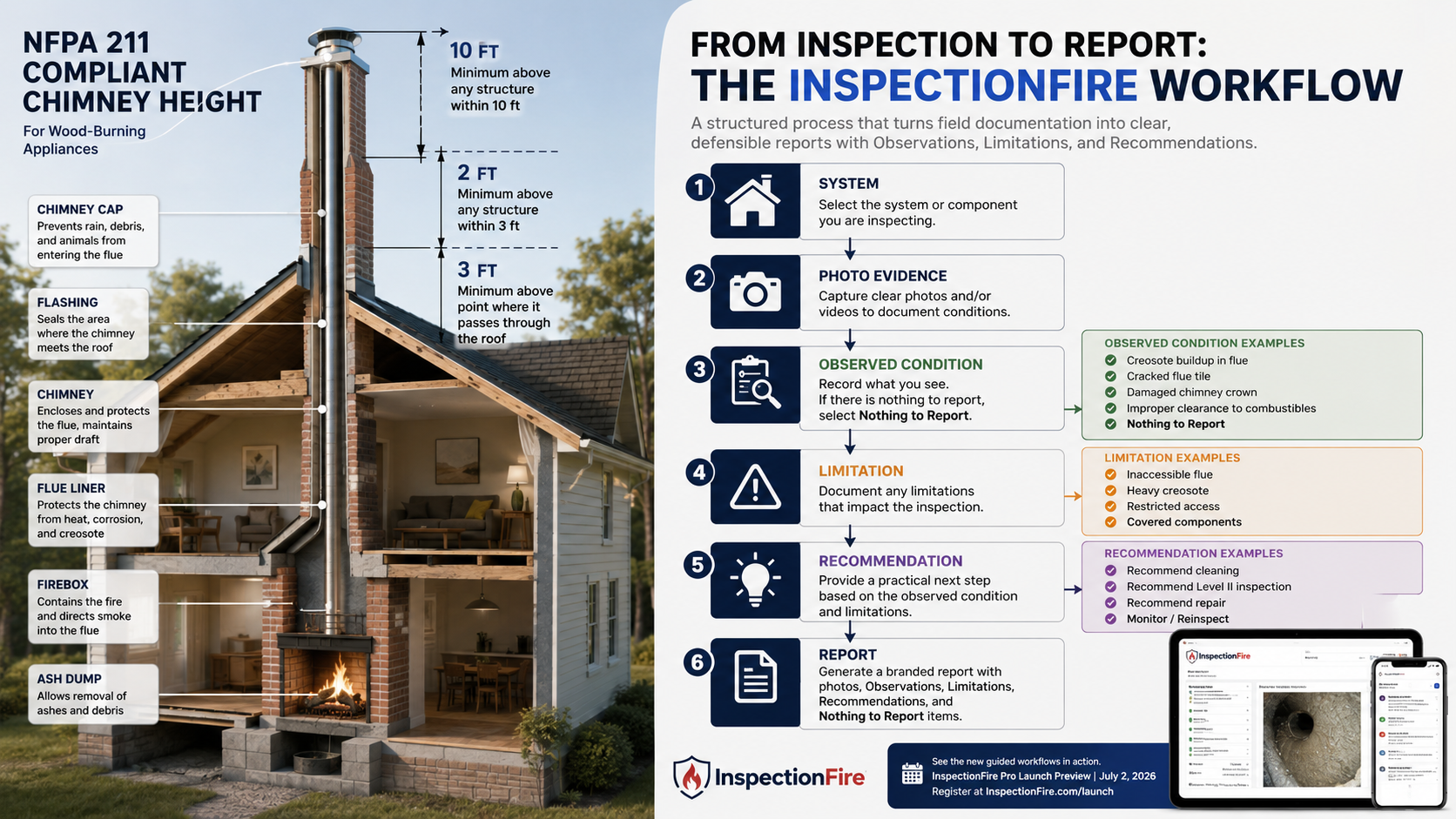
InspectionFire is focused on the inspection documentation side of the work:
- system identity;
- inspection level;
- fireplace, chimney, vent, flue, and appliance configuration;
- photos and field evidence;
- Observations;
- Observed Conditions;
- Limitations;
- Included areas;
- Excluded areas;
- Inaccessible areas;
- Not Applicable sections;
- Nothing to Report;
- Recommendations;
- Further Evaluation Recommended;
- final inspection report output.
Those are different jobs.
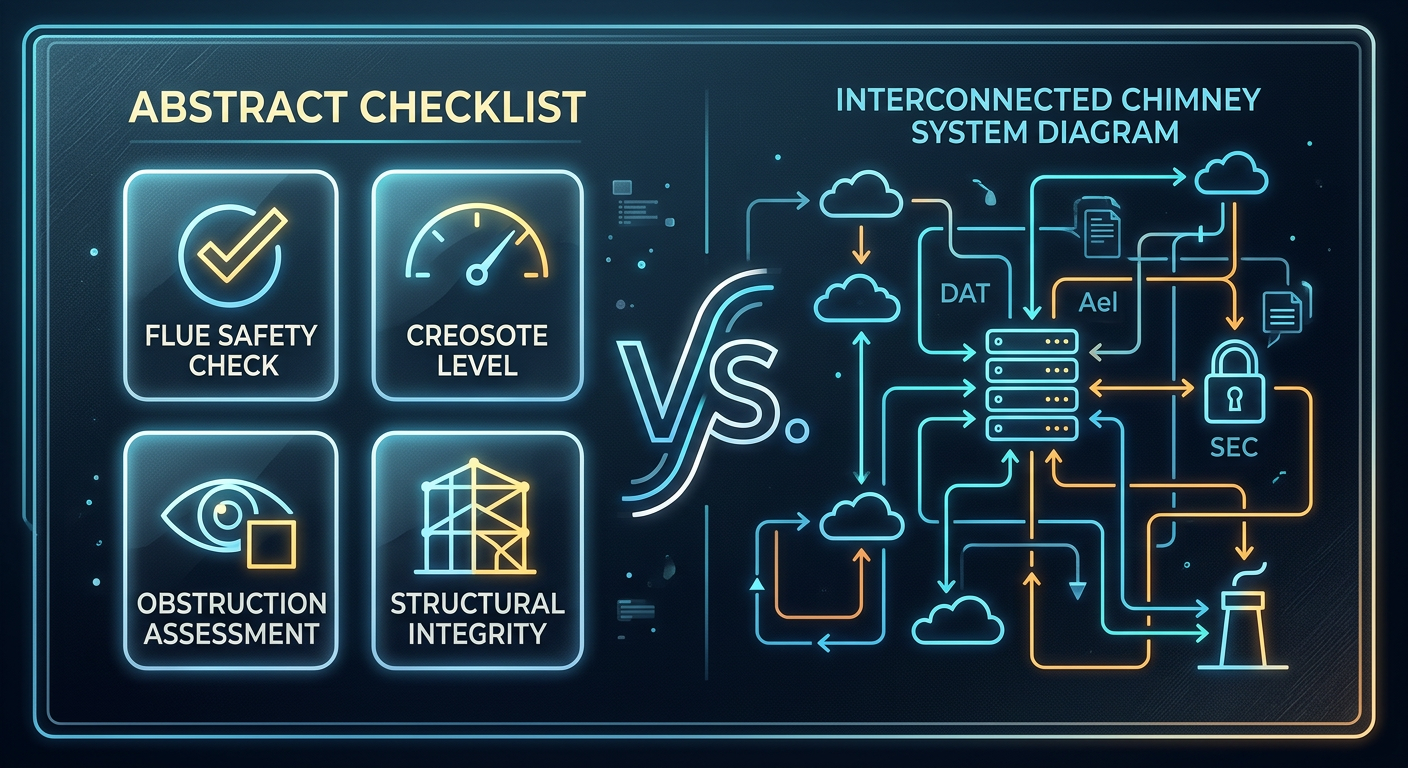
Trying to force one platform to do everything can weaken the workflow. The CRM may be strong for invoices and scheduling, but too generic for chimney-specific documentation. The inspection software may be strong for report quality, but it does not need to become the company’s full accounting, dispatch, payment, and reminder system.
A better workflow is often simpler:
Let the CRM manage the customer and the job.
Let InspectionFire manage the inspection report.
How InspectionFire Works With Your Current CRM
InspectionFire is CRM-agnostic.
That means a chimney company does not need to switch CRMs just to use InspectionFire.
The basic workflow is straightforward:
- Schedule or manage the customer in your CRM.
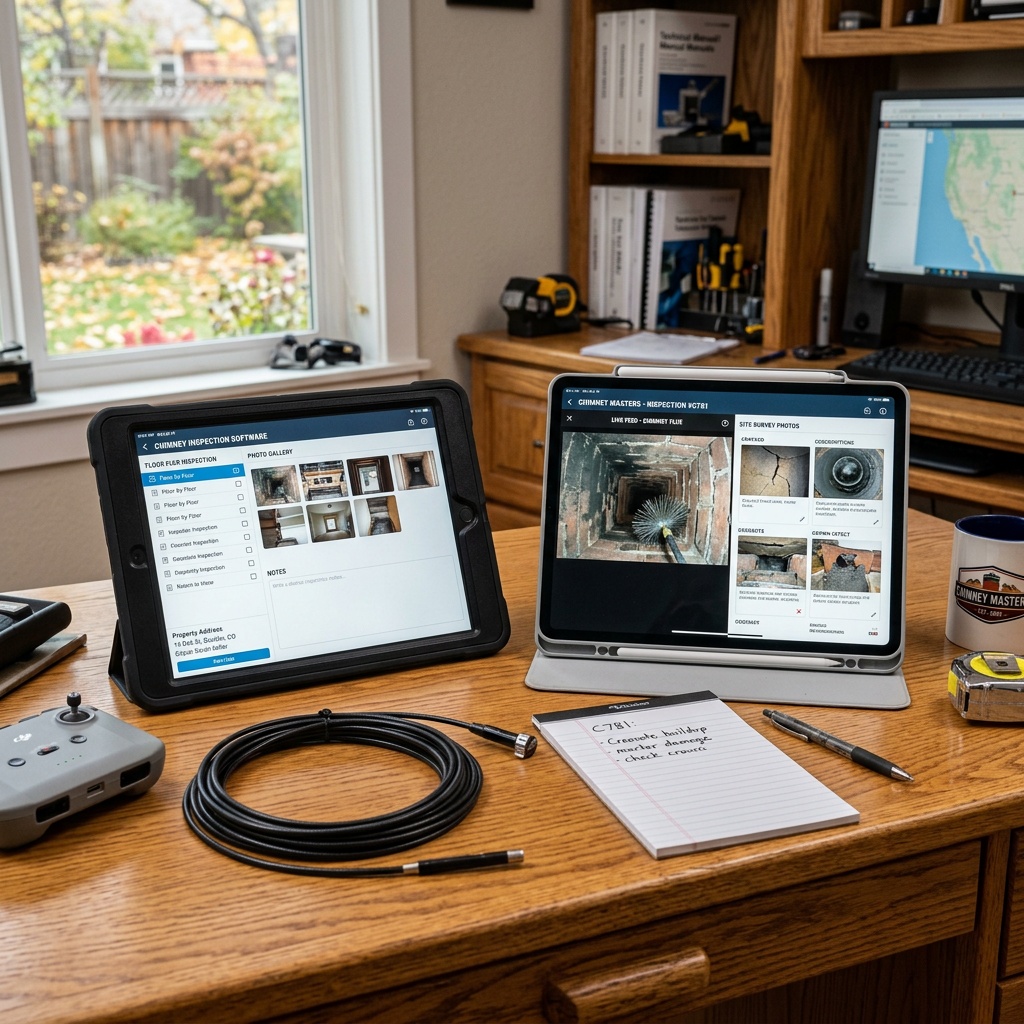
- Complete the inspection in InspectionFire.
- Generate the professional PDF report.
- Attach the PDF to the invoice, estimate, email, customer record, or job record in your CRM.
- Send the report through your normal customer communication and payment workflow.
That workflow can fit many different office setups.
A company using Housecall Pro may attach the InspectionFire PDF to the invoice, job record, estimate, or customer communication.
A company using Jobber may attach the report to the client record, quote, invoice, or email.
A company using ServiceTitan may store the PDF with the job, customer, invoice, estimate, or other document record.
A company using QuickBooks, ServiceM8, FieldEdge, Smart Service, Successware, or another platform may attach or share the report wherever customer documents are normally stored or delivered.
The exact steps depend on the CRM.
But the core idea is the same:
InspectionFire produces the inspection report.
Your CRM delivers, stores, bills, and communicates through the workflow your company already uses.
Why CRM-Agnostic Reporting Can Be a Strength
A direct integration can be useful when it is built well.
But a narrow integration can also create lock-in.
If a company’s inspection workflow only works inside one CRM, then changing CRMs later may disrupt reporting, document delivery, customer communication, and office procedure.
A CRM-agnostic workflow avoids that problem.
With InspectionFire, the completed report is a professional PDF deliverable. That makes the report portable.
It can be:
- attached to an invoice;
- attached to an estimate;
- sent by email;
- stored in a customer record;
- stored in a job record;
- uploaded to cloud storage;
- sent through a payment platform;
- shared with a Realtor, homeowner, property manager, insurance contact, or contractor;
- saved in the company’s long-term records.
That flexibility matters.
Chimney companies change software over time. A small company may start with QuickBooks and email. Later it may move to Jobber or Housecall Pro. A larger company may eventually move to ServiceTitan, FieldEdge, Successware, or another platform.
The inspection report process should not have to be rebuilt every time the office changes CRMs.
A clean PDF report gives the company control.
InspectionFire Does Not Require a CRM Migration
One of the most common concerns with new software is disruption.
Companies worry about questions like:
- Do we have to move all customer records?
- Do we have to change scheduling?
- Do we have to change invoicing?
- Do we have to change payment processors?
- Do office staff need to learn an entirely new business-management system?
- Do technicians need to change how they see their daily jobs?
- Will this interfere with QuickBooks, Housecall Pro, Jobber, ServiceTitan, or another system?
InspectionFire is not trying to force that kind of migration.
A company can continue using its preferred platform for:
- scheduling;
- dispatching;
- estimates;
- invoices;
- payments;
- accounting;
- customer reminders;
- office communication;
- job history;
- customer records.
InspectionFire fits beside that workflow as the inspection documentation system.
That is especially useful for chimney companies that already have an office process that works.
Where the PDF Report Fits
The completed InspectionFire PDF report becomes the professional inspection deliverable.
That report can be attached wherever the company normally sends customer documents.
Common examples include:
- invoice attachment;
- estimate attachment;
- email attachment;
- customer record document;
- job record document;
- internal office file;
- shared folder;
- repair-planning file;
- real estate transaction file;
- insurance claim file;
- property manager record.
The PDF should not be treated as an afterthought.
It is the inspection record.
The CRM may show that the job happened, that an invoice was sent, or that a payment was collected. The InspectionFire report documents the chimney, fireplace, venting, appliance, access, Limitations, Observations, Observed Conditions, Recommendations, and supporting evidence.
Both records matter.
They just serve different purposes.
What About Web-View Reports?
InspectionFire’s current report deliverable is a professional PDF.
As InspectionFire expands its report delivery options, a customer web-view report link may also be shared through the same systems companies already use.
That means the future workflow can remain familiar:
- Complete the inspection in InspectionFire.
- Generate the report.
- Share either the PDF, the web-view link, or both.
- Attach or paste that report access into the CRM, invoice, estimate, email, job record, or customer record.
The delivery format may expand.
The CRM-agnostic principle stays the same.
InspectionFire does not need to control every customer communication channel to produce a better inspection report.
What InspectionFire Is Not Trying to Replace
InspectionFire is not intended to replace every CRM, dispatch, accounting, payment, or customer communication platform a company may already rely on.
A chimney company may still use its preferred system for:
- scheduling;
- dispatching;
- estimates;
- invoices;
- payment collection;
- customer reminders;
- accounting sync;
- customer communication;
- service history;
- technician routing;
- office workflow.
InspectionFire is focused on the specialized inspection documentation that generic CRMs and field-service platforms usually do not handle as well.
That includes system-based chimney and fireplace documentation, report language, photos, Limitations, Recommendations, internal camera inspection documentation where applicable, multi-system reporting, and professional report output.
The goal is not to make the CRM irrelevant.
The goal is to give the company a better inspection report.
CRM Software Can Manage the Job. InspectionFire Documents the Inspection.
A CRM can show that a job was scheduled.
InspectionFire should show what was inspected.
A CRM can send an invoice.
InspectionFire should document the inspection scope, access, Limitations, Observations, Observed Conditions, and Recommendations.
A CRM can collect payment.
InspectionFire should produce the professional report that explains what the customer is paying for.
A CRM can store the customer record.
InspectionFire should preserve the inspection record in a form that can be reviewed later.
That division is practical.
It also helps keep the inspection report from becoming just another note inside a job-management system.
Why This Matters for Chimney Companies
Chimney inspection reports are different from ordinary service notes.
A professional chimney or fireplace report may need to document:
- multiple systems;
- inspection level;
- fuel type;
- appliance type;
- chimney or venting configuration;
- accessible areas;
- Inaccessible areas;
- Excluded items;
- Not Applicable sections;
- Nothing to Report;
- Observations;
- Observed Conditions;
- Limitations;
- photo evidence;
- internal camera inspection documentation where applicable;
- Recommendations;
- Further Evaluation Recommended;
- final client-facing report language.
That is specialized documentation.
A CRM may be excellent for scheduling, billing, payments, reminders, dispatching, and customer management. But a chimney inspection report needs more than a job note or invoice description.
InspectionFire gives the inspection process its own structure.
Then the completed report can move back into the CRM workflow as a PDF attachment or, when available, a web-view report link.
Example Workflow
Here is a simple example.
A chimney company uses Housecall Pro for scheduling, invoices, reminders, and payments.
The office schedules a real estate chimney inspection in Housecall Pro.
The technician completes the inspection in InspectionFire.
InspectionFire produces a professional PDF report.
The office attaches the PDF to the Housecall Pro invoice or customer/job record.
The customer receives the invoice and report through the company’s normal workflow.
The same concept applies if the company uses Jobber, ServiceTitan, QuickBooks, ServiceM8, FieldEdge, Smart Service, Successware, or another system.
The CRM stays in its lane.
InspectionFire stays in its lane.
The customer receives a professional inspection report without the company rebuilding its entire office workflow.
Bottom Line
InspectionFire works with your CRM by staying focused on what it is built to do.
It produces the professional chimney, fireplace, venting, and appliance inspection report.
Your CRM can continue handling scheduling, dispatching, estimates, invoices, payments, reminders, customer records, and office communication.
That CRM-agnostic approach gives chimney companies flexibility:
- no forced CRM migration;
- no CRM lock-in;
- portable PDF reports;
- compatibility with many office workflows;
- easier long-term software changes;
- specialized inspection documentation that does not depend on one business-management platform.
InspectionFire does not need to replace your CRM.
It completes the part most CRMs are not built to handle well: structured chimney and fireplace inspection documentation.
See the Difference. Schedule a Walkthrough.
InspectionFire helps chimney, fireplace, venting, and inspection professionals create structured inspection reports with photos, Limitations, Observations, Observed Conditions, Recommendations, and professional PDF output.
Schedule a walkthrough to see how InspectionFire can fit into your existing CRM, invoice, and customer communication workflow.
FAQ
Does InspectionFire directly integrate with Housecall Pro?
InspectionFire can function alongside Housecall Pro by producing a professional PDF inspection report that can be attached to a Housecall Pro invoice, estimate, job record, customer record, or customer communication.
Do not treat this as a claim of direct two-way sync unless a specific integration is later announced.
Does InspectionFire work with Jobber?
Yes. InspectionFire can work alongside Jobber by producing the inspection report separately. The completed PDF can then be attached to the customer record, job, quote, invoice, email, or other document area available in the company’s Jobber workflow.
Does InspectionFire work with ServiceTitan?
Yes. InspectionFire can work alongside ServiceTitan by producing the chimney or fireplace inspection report as a professional PDF. The company can then attach or store that PDF with the appropriate customer, job, invoice, estimate, or document workflow inside ServiceTitan.
Does InspectionFire replace Jobber, ServiceTitan, QuickBooks, or my CRM?
No. InspectionFire is not intended to replace every CRM, field-service, accounting, scheduling, dispatch, or payment system.
Those systems may still be used for scheduling, estimates, invoices, payments, accounting, reminders, customer records, and office communication.
InspectionFire handles the specialized inspection documentation and report output.
Can I send an InspectionFire report with my invoice?
Yes. The completed InspectionFire PDF report can be attached to an invoice, estimate, email, customer record, or job record inside the company’s normal CRM or payment workflow.
Will customers be able to view InspectionFire reports online?
InspectionFire currently produces professional PDF reports. As web-view report delivery becomes available, companies may also be able to share a customer report link through the same CRM, invoice, estimate, email, or customer communication workflow they already use.
Why not build everything into one CRM?
Chimney, fireplace, venting, and appliance inspection documentation requires specialized workflows, photos, Limitations, Recommendations, report language, system identity, inspection level logic, and final report presentation.
Keeping the inspection/reporting system separate allows companies to keep using the CRM that already fits their office process while improving the inspection report itself.
What is the best CRM to use with InspectionFire?
The best CRM is usually the one that already fits the company’s scheduling, invoicing, payment, and customer communication process. InspectionFire is designed to be CRM-agnostic, so the inspection report can be created in InspectionFire and then attached or shared through the company’s existing workflow.